
PATCH GAME TO RUN ON ALDER LAKE CPU
THE SIMS 3


Guide by Anime_BoomLast Updated: 04/16/2025
If you are using an Alder Lake Intel CPU, the 12th generation of the Intel Core series and you are running anything below game version 1.69.47 (only released for EA Play version), you may need to patch the games executable to recognize the Alder Lake series, or it will crash on launch. This utility is included with SimTools.
It's safe to say that if you own an Alder Lake CPU, and are playing from the retail discs, Steam or an older version from Origin, that you will definitely need to patch the game.
The Alder Lake patch has been programmed courtesy of LazyDuchess. She is a legend amongst the sims community, if you haven't already, check out her work.
12th Generation Intel Processors include the following:
Core i9: 12900KS, 12900K, 12900KF, 12900, 12900F, 12900T, 12700K.
Core i7: 12700KF, 12700, 12700F, 12700T.
Core i5: 12600K, 12600KF, 12600, 12600T, 12500, 12500T, 12490F, 12400, 12400F, 12400T.
Core i3: 12300, 12300T, 12100, 12100F, 12100T.
Pentium Gold: G7400, G7400T.
Celeron: G6900, G6900T.
Preparing Game for Patching
1.) It is strongly suggested that you create a backup of the games executable before you proceed. While the patch tool may already do this, it is good practice to do so anyways in the off chance that the tool fails to create a backup. To do so, navigate to your game directory at:
Steam: Steam\steamapps\common\The Sims 3\Game\Bin
Retail: \Program Files (x86)\EA Games\The Sims 3\Game\Bin
EA App: NO LONGER REQUIRED
2.) Select TS3.exe and right-click it, select copy and then right-click in an empty space in the window and click paste. This will create a copy of the executable named TS3 - Copy.exe, you can rename it to whatever you like. I usually rename it TS3.exe.bak as that type of naming scheme helps me to remember and identify that it is a backup of the original file.
3.) Select TS3W.exe and right-click it, select copy and then right-click in an empty space in the window and click paste. This will create a copy of the executable named TS3W - Copy.exe, you can rename it to whatever you like. I usually rename it TS3W.exe.bak as that type of naming scheme helps me to remember and identify that it is a backup of the original file.
4.) Use SimTools to run the patcher. You can find it under Game Tweaks > The Sims 3 > Intel Alder Lake Fix. After starting the patcher, you should be presented with the following message:
Steam: Steam\steamapps\common\The Sims 3\Game\Bin
Retail: \Program Files (x86)\EA Games\The Sims 3\Game\Bin
EA App: NO LONGER REQUIRED
2.) Select TS3.exe and right-click it, select copy and then right-click in an empty space in the window and click paste. This will create a copy of the executable named TS3 - Copy.exe, you can rename it to whatever you like. I usually rename it TS3.exe.bak as that type of naming scheme helps me to remember and identify that it is a backup of the original file.
3.) Select TS3W.exe and right-click it, select copy and then right-click in an empty space in the window and click paste. This will create a copy of the executable named TS3W - Copy.exe, you can rename it to whatever you like. I usually rename it TS3W.exe.bak as that type of naming scheme helps me to remember and identify that it is a backup of the original file.
4.) Use SimTools to run the patcher. You can find it under Game Tweaks > The Sims 3 > Intel Alder Lake Fix. After starting the patcher, you should be presented with the following message:
Patching the Game
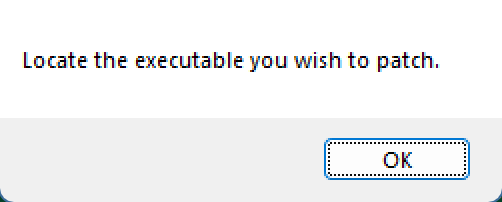
A New window will open it should already be at your games bin folder but if it is not you can find them at the provided file path below.
Steam: Steam\steamapps\common\The Sims 3\Game\Bin
Retail: \Program Files (x86)\EA Games\The Sims 3\Game\Bin
Once the new window has opened select the .exe files called "TS3.exe" and "TS3W.exe patching one at a time"
Steam: Steam\steamapps\common\The Sims 3\Game\Bin
Retail: \Program Files (x86)\EA Games\The Sims 3\Game\Bin
Once the new window has opened select the .exe files called "TS3.exe" and "TS3W.exe patching one at a time"
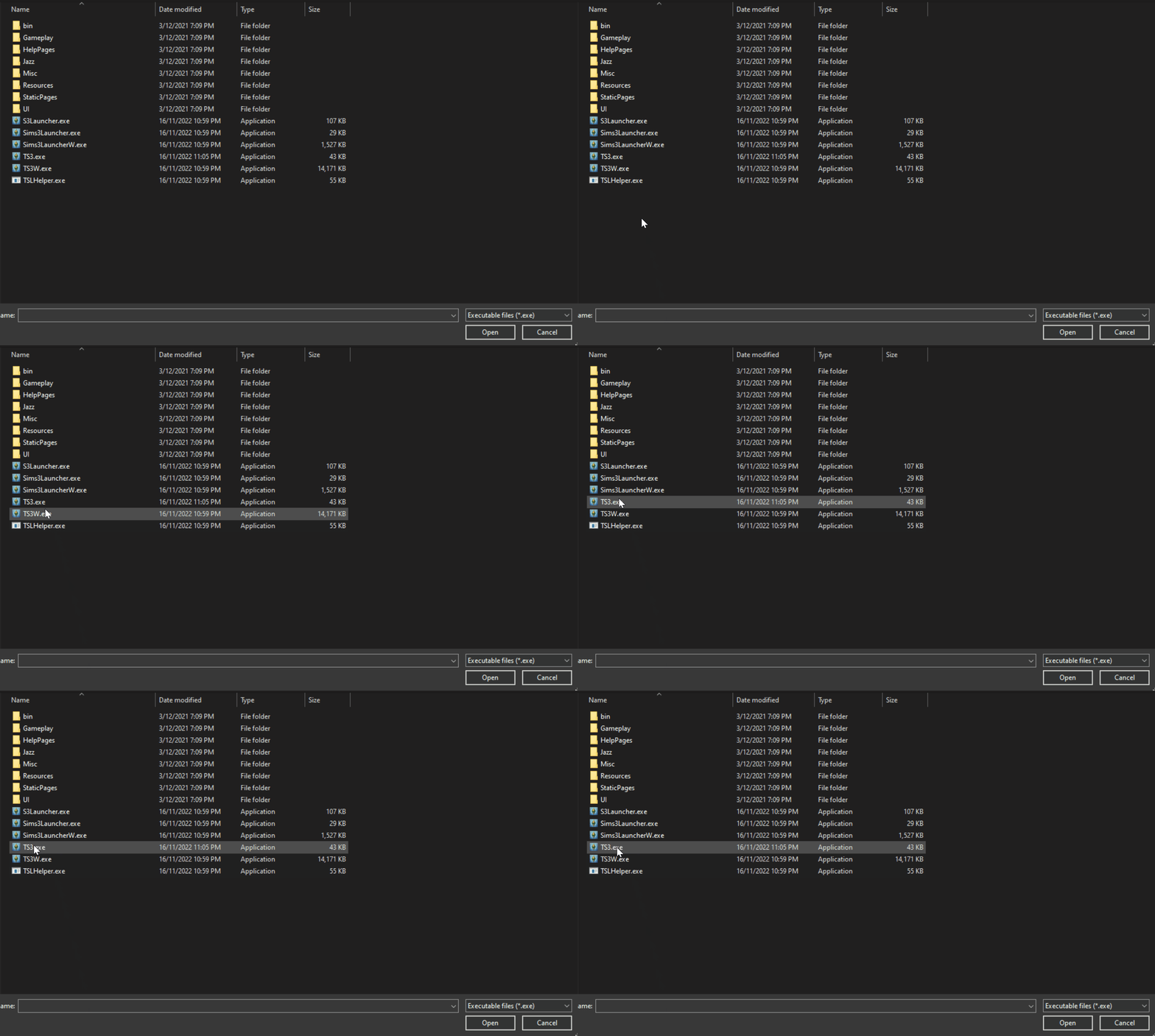
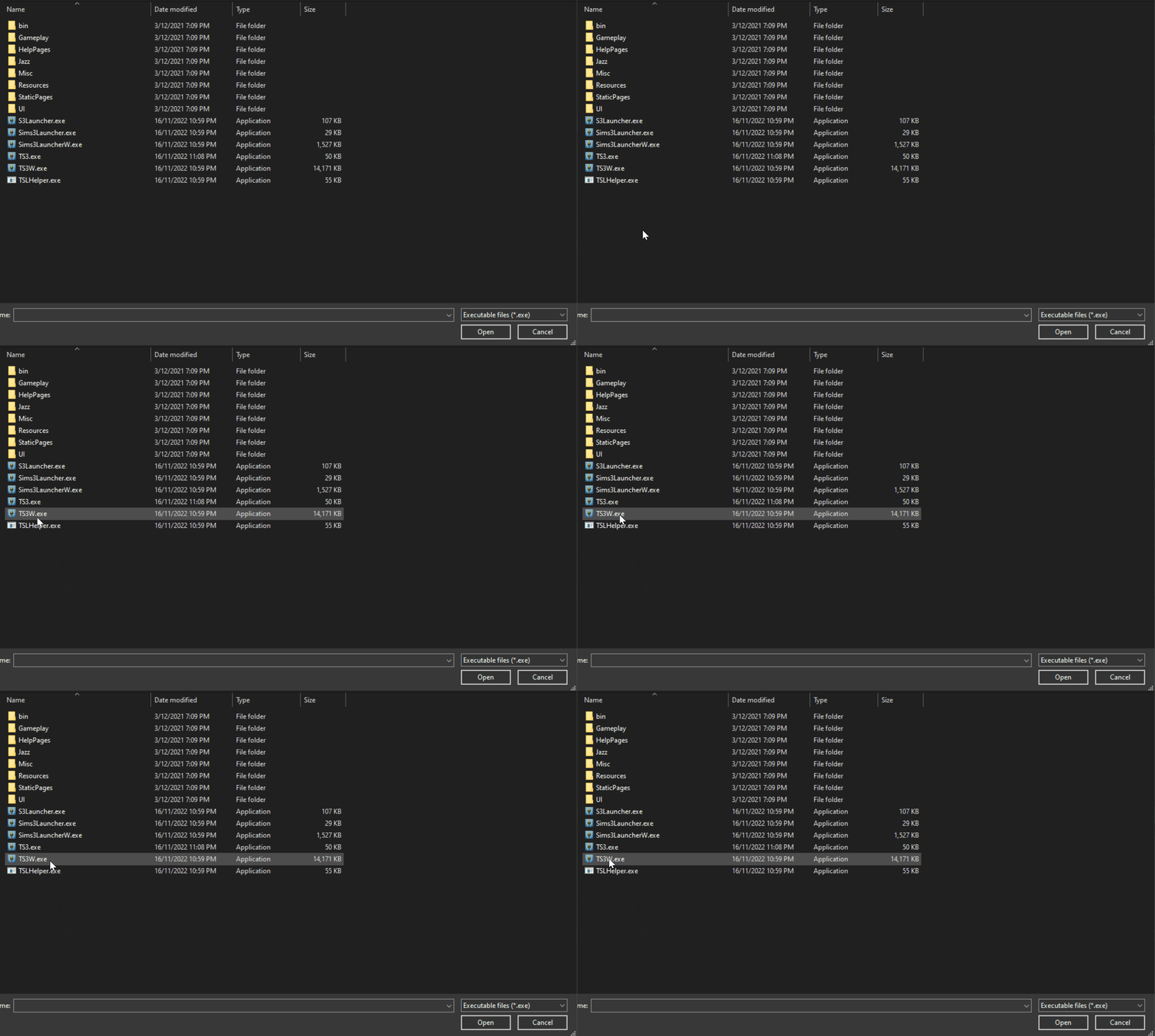
Once accepting the patching a new little popup should appear saying the patch has been applied and was a sucsess, press "OK" and you are done.
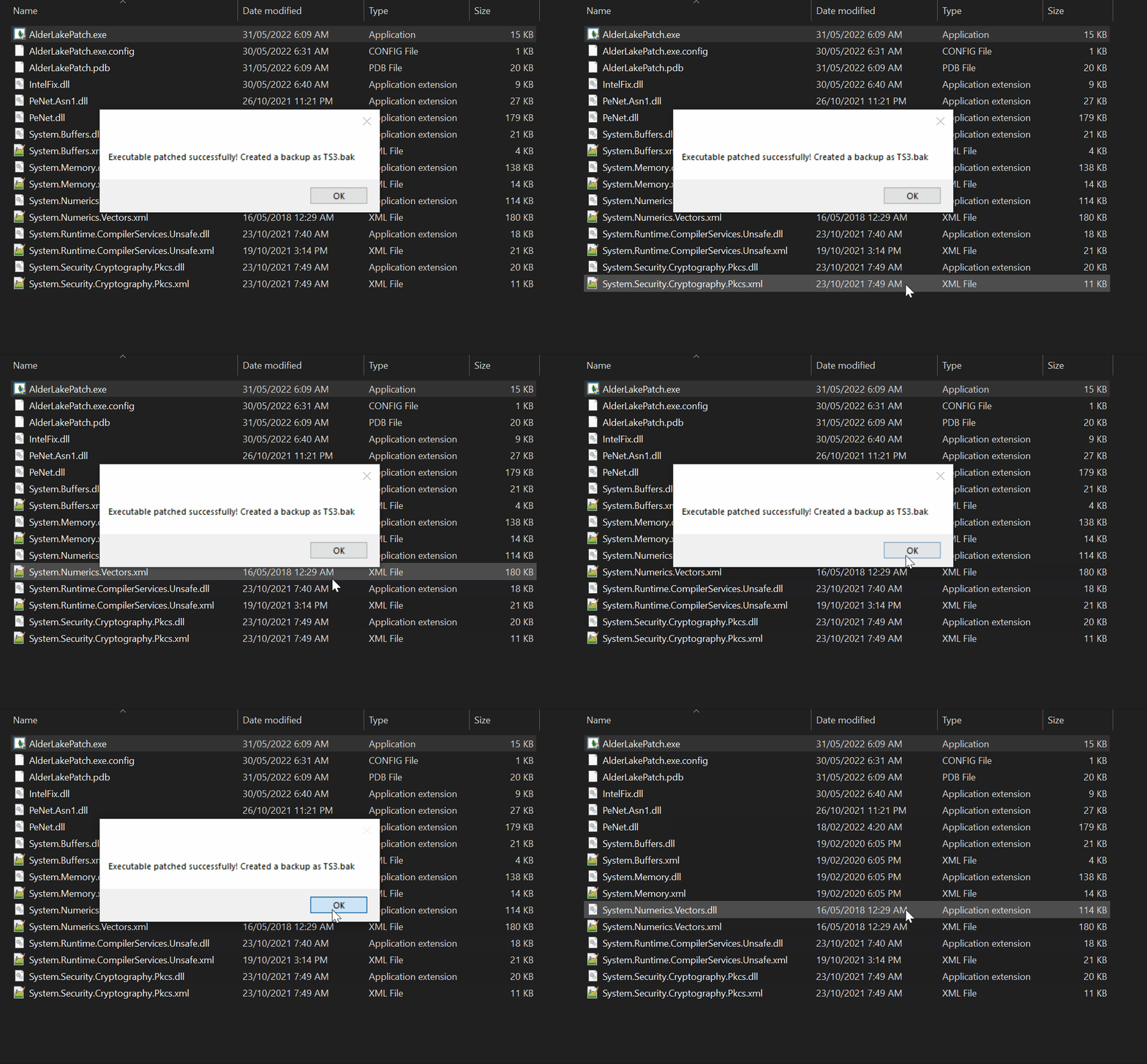
Once patched by the program close the program and your game is now ready to be used with Alder Lake CPU's. The program will also create a backup of the games .exe that was patched just in case!
Consider supporting Lazy Duchess for all her amazing work! You can do so HERE!
